
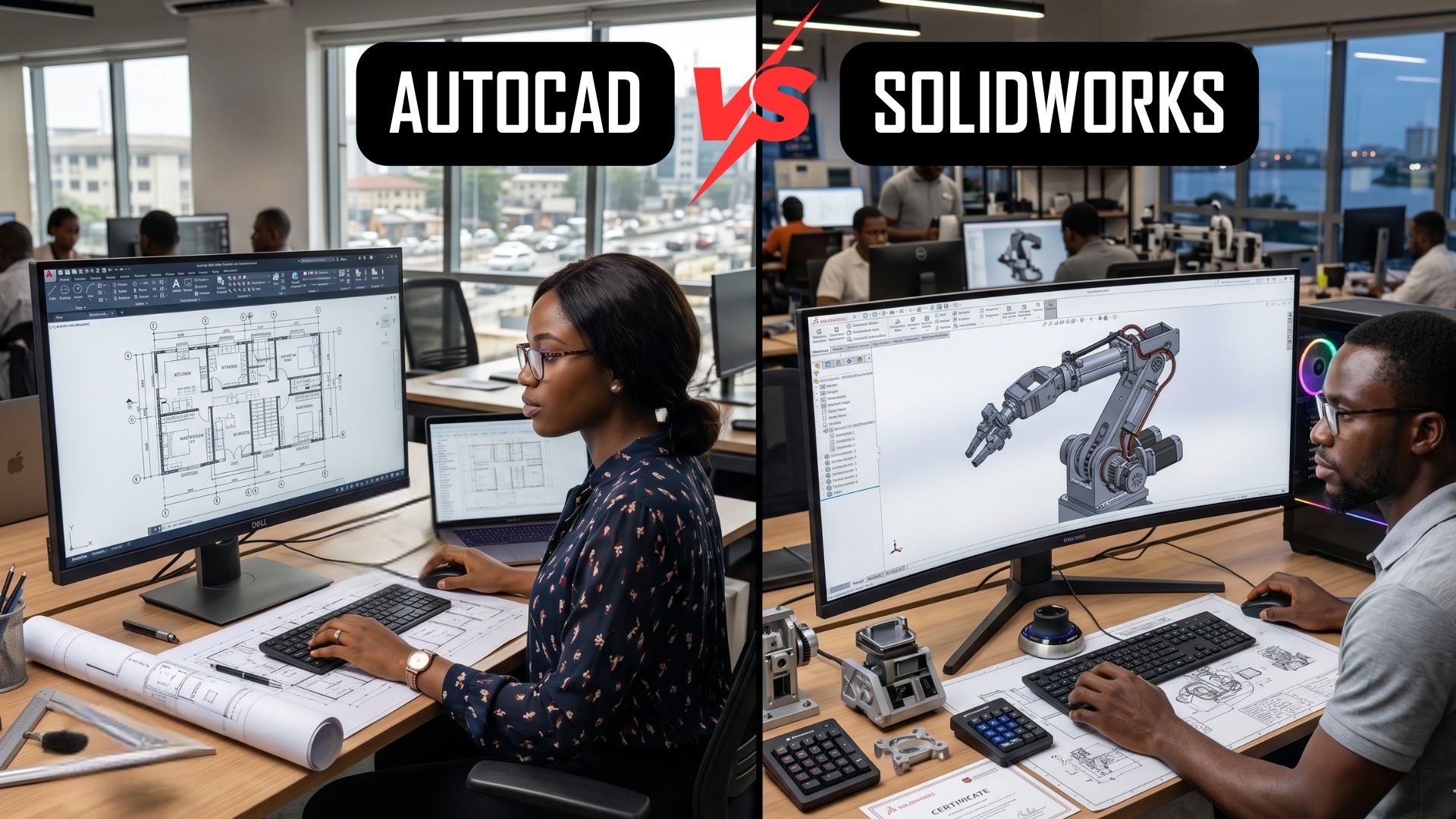
While both are incredibly powerful tools used to create precise technical drawings and models, they operate on fundamentally different philosophies and excel in different industries. Understanding these differences is key to optimizing your design workflow, reducing production errors, and maximizing your return on investment.
The Core Difference: 2D Drafting vs. 3D Parametric Modeling
The easiest way to understand the divide between these two powerhouses is to look at how they approach the design process from the ground up.
AutoCAD: The Digital Drafting Board
Developed by Autodesk, AutoCAD was originally created to replace traditional paper-and-pencil drafting. It is a geometry-driven software, meaning you draw lines, arcs, and circles to create shapes. It is arguably the best software in the world for 2D drafting and documentation. While AutoCAD does have 3D capabilities, it is primarily utilized as a top-down, 2D layout tool. If you need to map out a floor plan, design an electrical schematic, or draft civil engineering layouts, AutoCAD is the undisputed industry standard.
SolidWorks: The 3D Engineering Ecosystem
Developed by Dassault Systèmes, SolidWorks is a parametric, feature-based 3D solid modeling tool. Instead of drawing lines, you create 2D sketches that are driven by specific mathematical parameters and extrude them into 3D objects. If you change a dimension in SolidWorks, the entire 3D model (and any associated 2D manufacturing drawings) updates automatically. SolidWorks is built for mechanical engineers and product designers who need to simulate how physical parts fit and move together in the real world.
To explore the depths of parametric modeling in more detail, check out our comprehensive guide on SolidWorks 3D CAD: The Ultimate Design Software.
Industry Applications: Where Does Each Shine?
Your choice between AutoCAD and SolidWorks should be heavily dictated by your specific industry.
Choose AutoCAD if you are in:
- Architecture & Construction: For creating detailed floor plans, elevations, and architectural blueprints.
- Civil Engineering: For infrastructure layouts, piping and instrumentation diagrams (P&ID), and site planning.
- Electrical Engineering: For drafting complex electrical schematics and panel layouts.
Choose SolidWorks if you are in:
- Mechanical Engineering: For designing complex machinery, gear systems, and motorized assemblies.
- Product & Industrial Design: For creating consumer goods, from smartphone casings to ergonomic furniture, ensuring they are ready for 3D printing or injection molding.
- Aerospace & Automotive: For rigorous stress testing, fluid dynamics, and complex surfacing of vehicle parts.
Equipping Your Team: Training, Licensing, and Hardware
Deciding on the software is only the first step. To truly integrate AutoCAD or SolidWorks into your company's workflow, you need the right training and infrastructure.
Switching software or upskilling your team requires professional guidance. At Generative CAD, we offer comprehensive, hands-on CAD Training and Certification Courses at Generative CAD Academy for both platforms, ensuring your team learns industry best practices from day one.
Furthermore, running professional CAD software requires authorized licensing and robust computing power. Using pirated software or inadequate computers will lead to corrupted files, system crashes, and lost revenue. Generative CAD is your trusted local vendor to procure official CAD software licenses tailored to your business needs.
AutoCAD and SolidWorks are not necessarily competitors; they are specialized tools designed for different jobs. AutoCAD is the king of 2D drafting and architectural layouts, while SolidWorks is the champion of 3D mechanical design and product engineering. Assess your industry requirements, invest in proper training, and equip your team with the right hardware to build a world-class design environment.
If you’re curious about switching, upgrading, or starting fresh, we’d love to help.
Visit us at: 26, Akinwale Street, Off Yaya Abatan Road, Ogba, 100218, Lagos, Nigeria
📧 Email: info@generativecad.com | 📞 Call/WhatsApp: +234 703 324 8607

 Search