
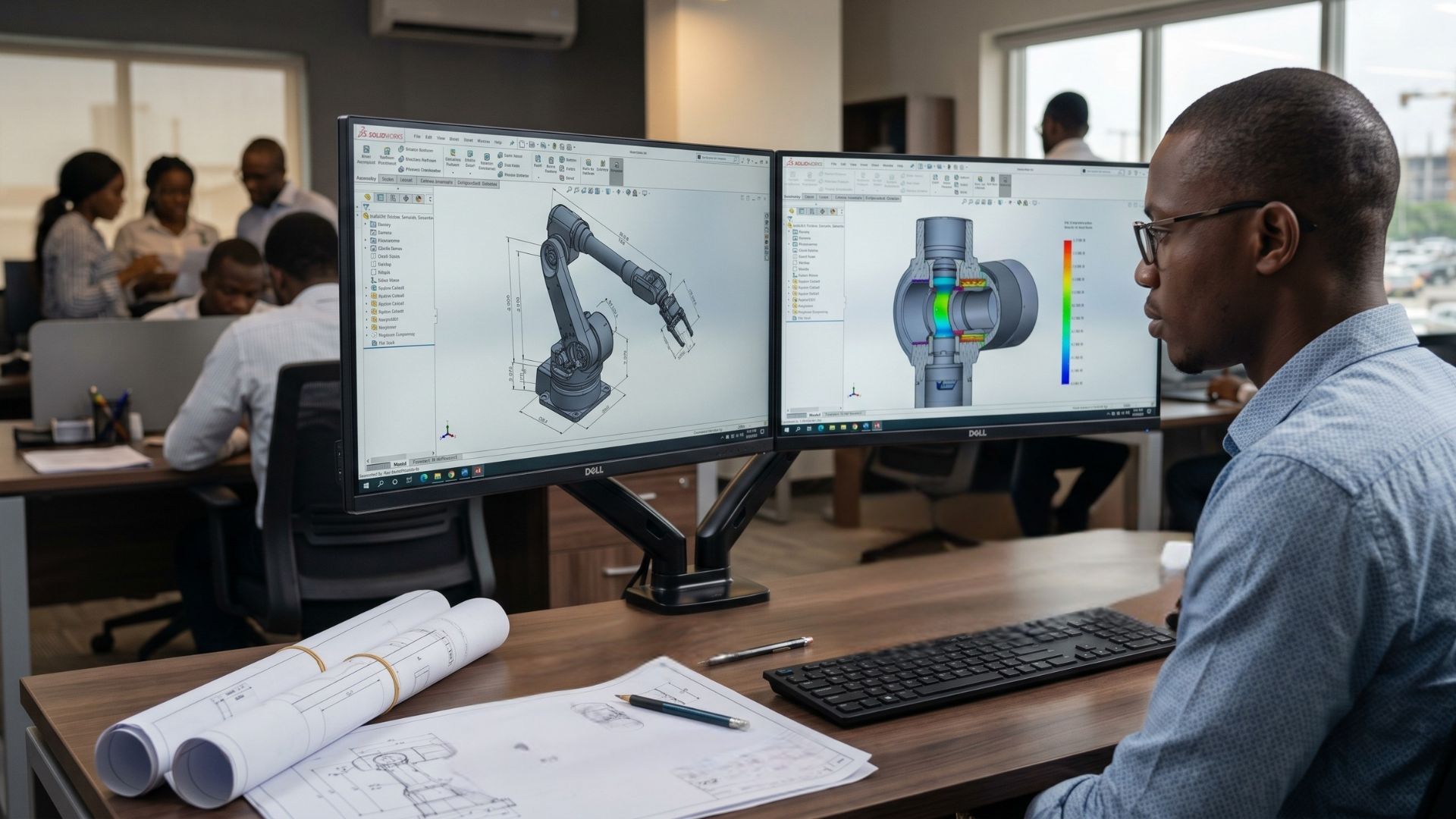
Whether you are designing a simple consumer product or engineering a complex aerospace component, understanding how to leverage SolidWorks can immeasurably elevate your career and business output.
What is SolidWorks?
Developed by Dassault Systèmes, SolidWorks is a parametric, feature-based 3D CAD design software. Unlike traditional 2D drafting tools, parametric modeling means that the design is driven by dimensions and mathematical relationships. If you change a single dimension, the entire 3D model updates automatically to reflect that change. This intelligent design ecosystem saves countless hours during the prototyping and revision phases.
Key Features That Make SolidWorks an Industry Standard
1. Advanced 3D Parametric Modeling
SolidWorks provides an intuitive interface for sketching 2D profiles and extruding them into complex 3D solids. Its robust feature tree allows designers to track every step of the design process, making it incredibly easy to go back and tweak specific parameters without starting from scratch.
2. Comprehensive Assembly Design
Real-world products are rarely made of a single part. SolidWorks allows you to bring hundreds or thousands of individual parts into an "Assembly" environment. Here, you can define how components interact, such as hinges, gears, and sliding mechanisms to ensure everything fits perfectly before a physical prototype is ever built.
3. Built-in Simulation and Analysis
Instead of waiting for a physical prototype to fail you can test it digitally with SolidWorks. SolidWorks includes powerful simulation tools that allow you to test your designs against stress, thermal dynamics, and fluid flow (CFD). This ensures that your products are not only aesthetically pleasing but structurally sound.
Industries That Rely on SolidWorks
SolidWorks is the backbone of numerous global industries, including:
- Automotive & Aerospace: For designing engine components, chassis, and aerodynamic panels.
- Consumer Products: Creating ergonomic, manufacturable casings for electronics and household goods.
- Industrial Machinery: Engineering heavy-duty equipment and robotic automation systems.
If you are exploring which software best fits your specific industry or workflow, we highly recommend reading our detailed breakdown on AutoCAD vs. SolidWorks: Which CAD Software is Right for You? to make an informed decision.
Why Professional SolidWorks Training is Crucial
While SolidWorks is designed to be user-friendly, mastering its advanced tools such as complex surfacing, sheet metal design, and weldments requires structured, professional guidance. Attempting to learn via trial and error can lead to inefficient design habits that cost businesses time and money.
Whether you are a beginner aiming to break into the engineering field or a professional looking to upgrade your skills, our comprehensive, hands-on SolidWorks Training and Certification Courses at Generative CAD Academy provide the industry-standard education you need to succeed.
Equip Your Team for Success
Having the right skills is only half the equation; having the right tools is just as vital. Running heavy 3D CAD assemblies requires legitimate software licenses and robust workstation hardware to prevent crashes and data loss. To ensure your design team operates at peak efficiency, explore our official software licensing, hardware, and specialized 3D CAD services at Generative CAD Products.
SolidWorks is much more than just a 3D modeling tool; it is a comprehensive engineering ecosystem that takes an idea from a simple sketch to a rigorously tested, manufacturing-ready product. By mastering this software and equipping your team with the right resources, you position yourself at the cutting edge of modern design and manufacturing.
If you’re curious about switching, upgrading, or starting fresh, we’d love to help.
Visit us at: 26, Akinwale Street, Off Yaya Abatan Road, Ogba, 100218, Lagos, Nigeria
Email: info@generativecad.com | 📞 Call/WhatsApp: +234 703 324 8607

 Search