
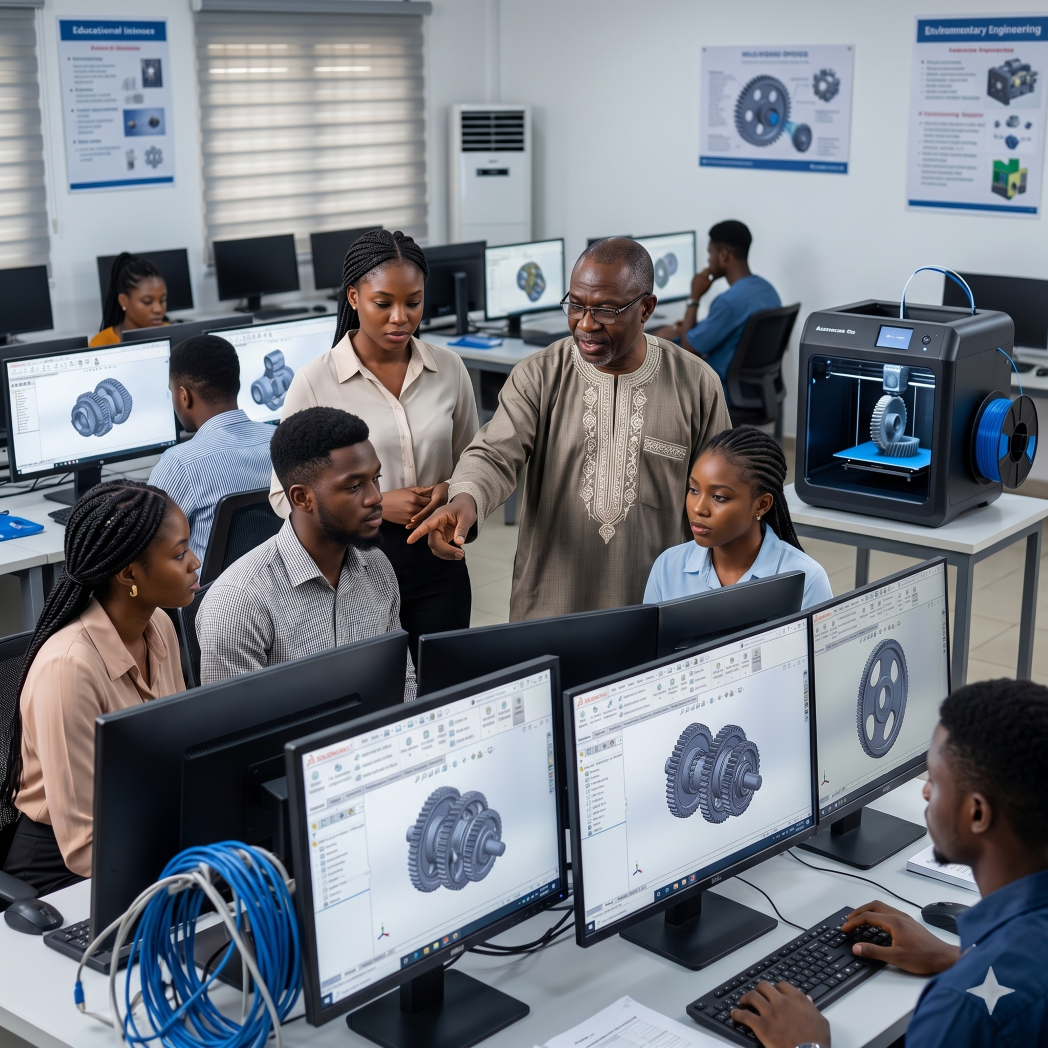
Across the African continent, a paradox exists within our higher education systems: our universities are producing thousands of brilliant engineering graduates every year, yet local industries and startups struggle to find talent equipped with practical, industry-ready design skills.
As an ecosystem builder and the CEO of Generative CAD, I see this disconnect daily. The root cause is clear: a heavy reliance on theoretical instruction and outdated 2D drafting methods. When graduates enter the modern workforce, they are often confronted with a harsh reality: the global manufacturing sector speaks the language of advanced 3D Computer-Aided Design (CAD), a language they were never taught to speak fluently.
To bridge this critical skills gap and empower Africa's innovators to build localised solutions, our tertiary institutions must transition from legacy curricula to digital manufacturing workflows. The most effective way to achieve this is by integrating SolidWorks educational licenses into university engineering curricula.
The Gap Between Academic Theory and Industry Reality
Traditionally, engineering education in West Africa has prioritised mathematical computations and manual drafting. While foundational physics and mathematics remain crucial, the inability to digitally model, simulate, and prototype these theories leaves students ill-prepared for modern product development.
Today’s enterprises do not just want engineers who can calculate load-bearing capacities on paper; they require engineers who can run a Finite Element Analysis (FEA) digitally, optimise the geometry for additive manufacturing, and export the file for rapid prototyping. Delaying this transition severely limits our graduates' global competitiveness and stifles local hardware innovation.
Why SolidWorks? The Global Industry Standard
When we consult with universities on how to equip a future-ready STEAM lab, we emphasise that hardware is only as powerful as the digital design that feeds it.
SolidWorks, developed by Dassault Systèmes, is the undisputed global standard for 3D mechanical design. It is the software utilised by top-tier aerospace, automotive, and consumer product enterprises worldwide. By integrating SolidWorks into the curriculum, universities are not just teaching students how to use a software program; they are providing them with the exact digital canvases used by the world's leading engineers.
Practical Steps for Curriculum Integration
Integrating enterprise-grade software into an academic setting requires a strategic, phased approach. It is not enough to simply install the software on campus computers; it must become the backbone of the "idea-to-impact" workflow.
1. Faculty Upskilling and Certification
The transformation must begin with the educators. Many university lecturers were trained in an era before parametric 3D modelling became ubiquitous. Through the Generative CAD Academy, we provide specialised faculty upskilling programs. We equip professors not only with operational mastery of SolidWorks but with modern pedagogical strategies to seamlessly weave CAD into existing thermodynamics, fluid mechanics, and structural engineering modules.
2. Transitioning to Project-Based Assessment
Theoretical exams must be supplemented with practical, project-based assessments. Instead of asking students to describe a mechanical linkage, challenge them to design it in SolidWorks, run a motion simulation to prove its efficacy, and ultimately bring it to life. This hands-on approach drastically improves the ROI of STEAM education by fostering genuine comprehension and innovation.
3. Closing the Loop with Additive Manufacturing
A digital design is only half the journey. To truly grasp design intent and tolerances, students must physically handle what they have engineered. By pairing SolidWorks labs with reliable educational hardware, such as the fully enclosed Flashforge Creator 5 Pro 3D Printer, which we recently highlighted for engineering faculties and universities, create a complete, in-house rapid prototyping ecosystem.
Leveraging Educational Licenses and Local Support
Historically, software procurement has been a barrier for African institutions due to prohibitive enterprise costs and a lack of local support.
Generative CAD exists to remove these barriers. As the direct partner of SolidWorks (Dassault Systèmes) in Nigeria and Ghana, we provide universities with highly subsidised, multi-seat educational licenses. More importantly, we provide the localised infrastructure and technical support necessary to ensure your IT departments are never left stranded during deployment or licensing audits.
Empowering the Next Generation of African Makers
Sustainable growth happens when we lift each other and democratize access to world-class tools. By integrating SolidWorks into your university's curriculum, you are doing more than upgrading a computer lab; you are cultivating a generation of problem-solvers who will design and build Africa's future.
If your faculty is ready to modernise its engineering curriculum and produce globally competitive graduates, we are here to guide you. Explore our configurable educational solutions and let us turn your bold vision into real-world impact.
📍 Visit us at: 26, Akinwale Street, Off Yaya Abatan Road, Ogba, 100218, Lagos, Nigeria
📧 Email: info@generativecad.com
📞 Call/WhatsApp: +234 703 324 8607
Empowering Africa’s innovators, educators, and builders to create a better tomorrow.

 Search